Free — No credit card required macOS 14+ iOS 17+ Native SwiftUI

Your Server. Always Monitored.

Professional server monitoring for macOS & iOS — free.

Download Free Coming Soon
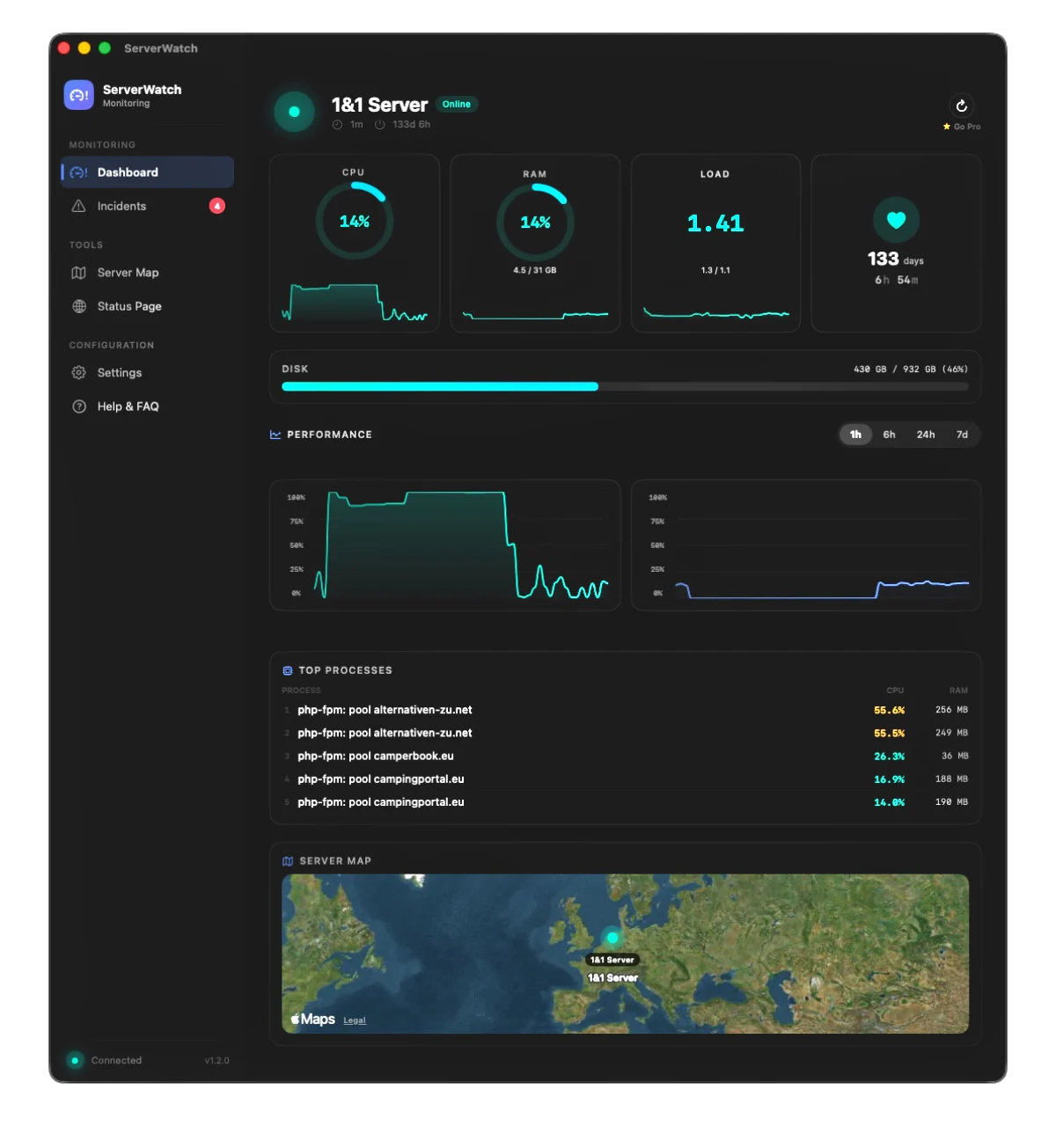
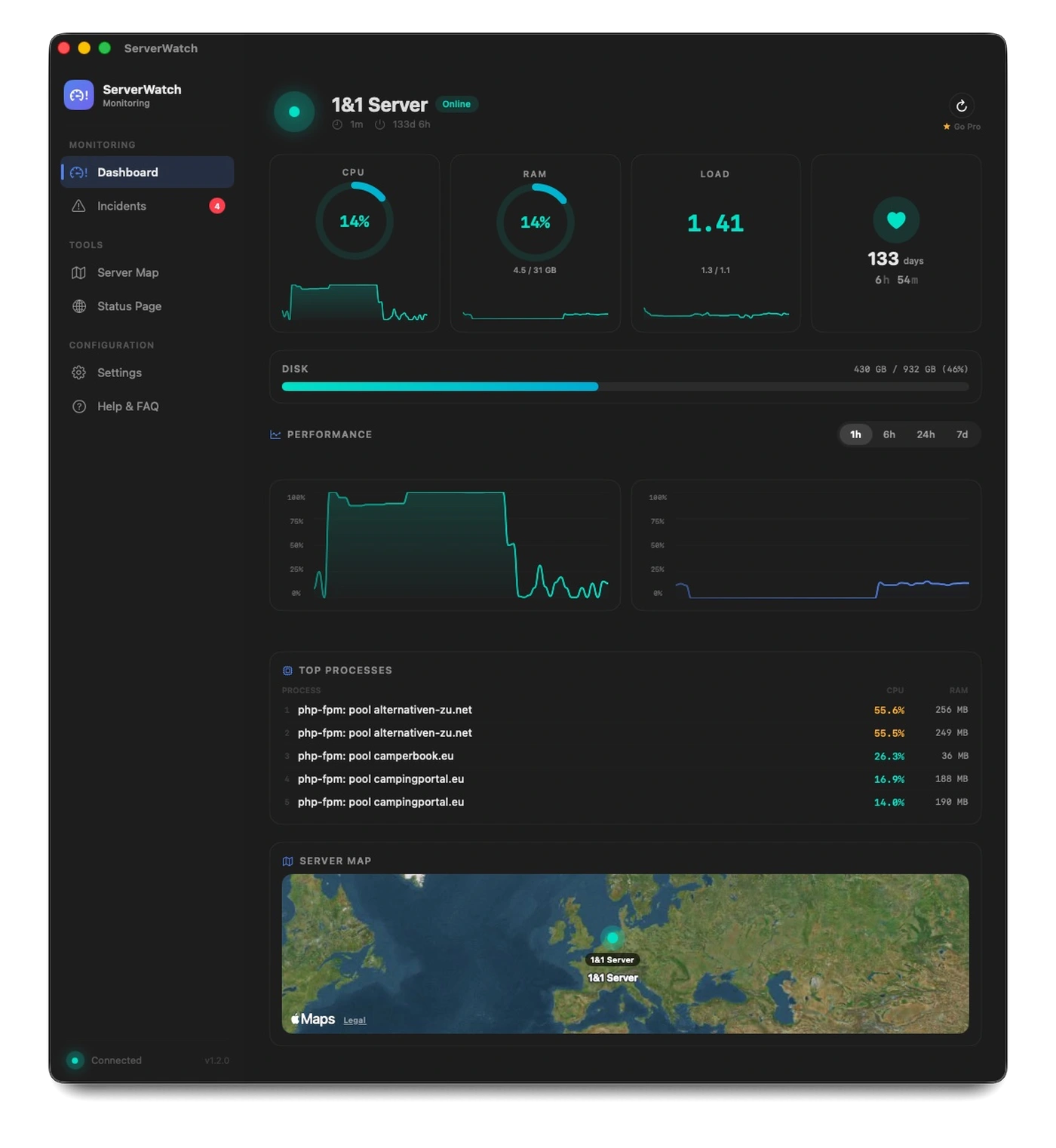
ServerWatch Dashboard macOS

Everything you need.

The free version is not a stripped-down demo — it is a full-featured monitoring tool.

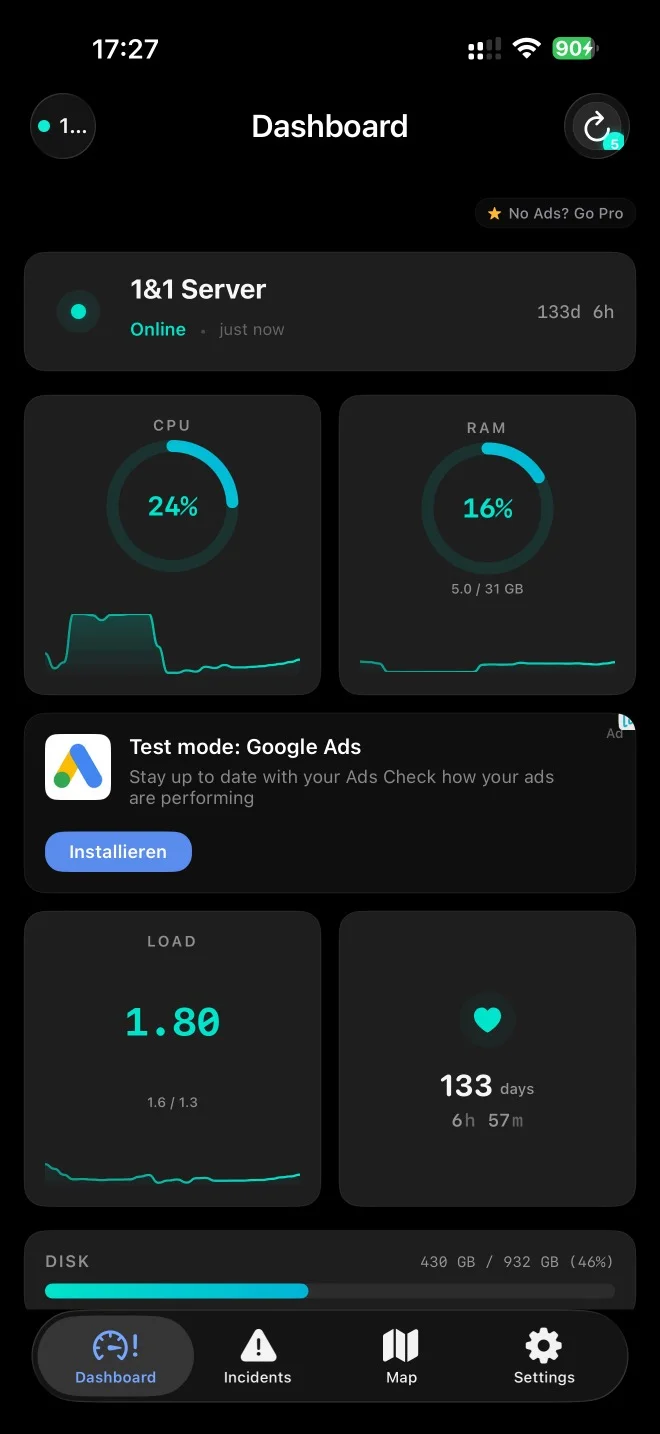
Real-Time Dashboard

CPU, RAM, load, uptime and disk at a glance — with ring gauges and mini sparklines.

Real-Time Dashboard

Interactive Charts

Track CPU and RAM history over hours and days — with hover details and time range selection.

Interactive Charts

Top Processes

The top 5 processes by CPU and RAM usage — updated in real-time.

Top Processes

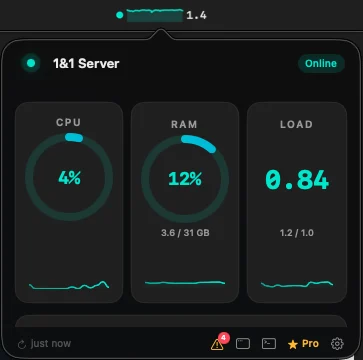
Menu Bar Integration

Status dot, sparkline and metrics right in the macOS menu bar — always visible.

Menu Bar Integration

Smart Alerts

Push notifications, sound alerts and speech announcements when thresholds are exceeded.

Smart Alerts

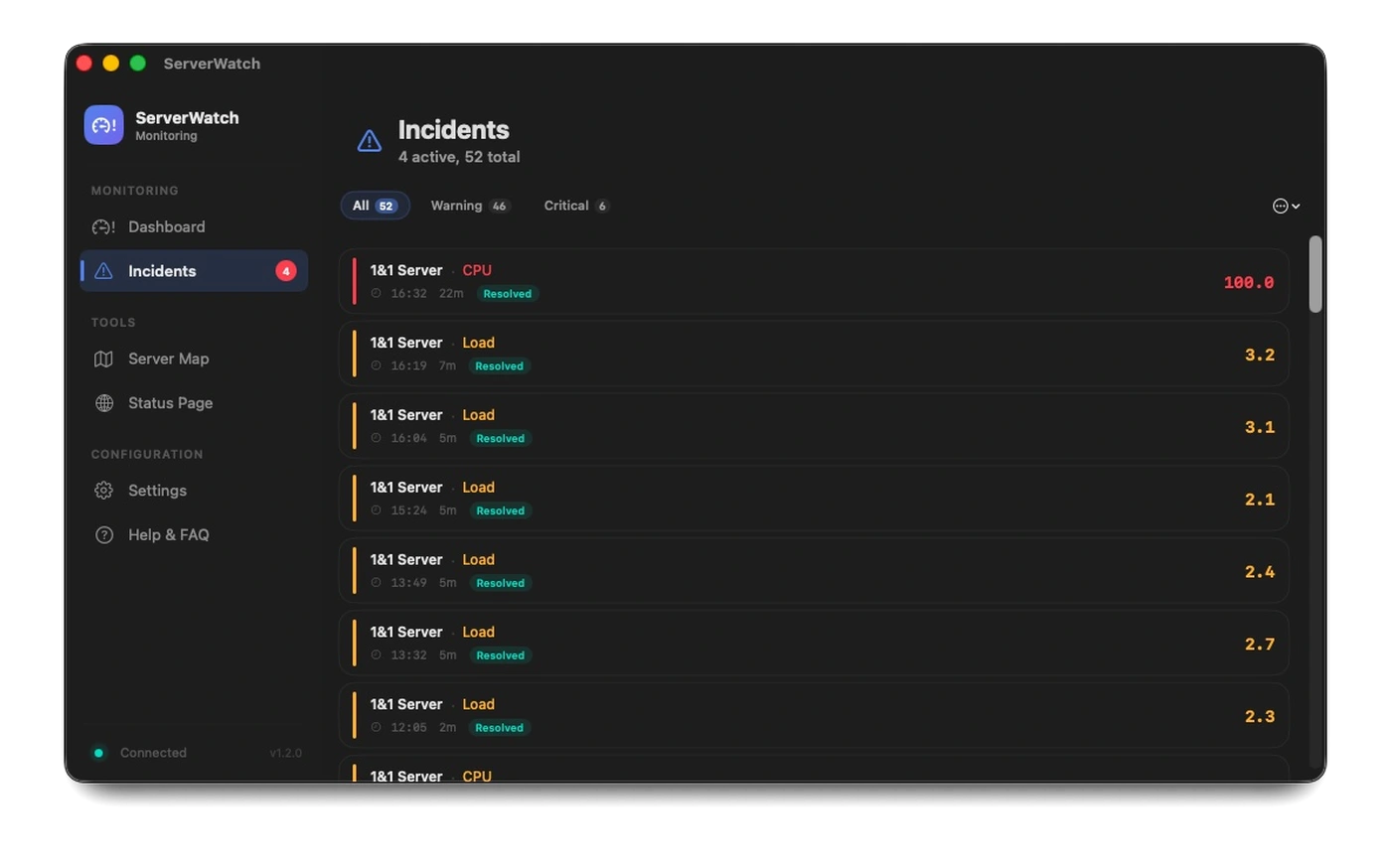
Incident Timeline

Automatic detection and documentation of incidents — with filtering and auto-resolve.

Incident Timeline

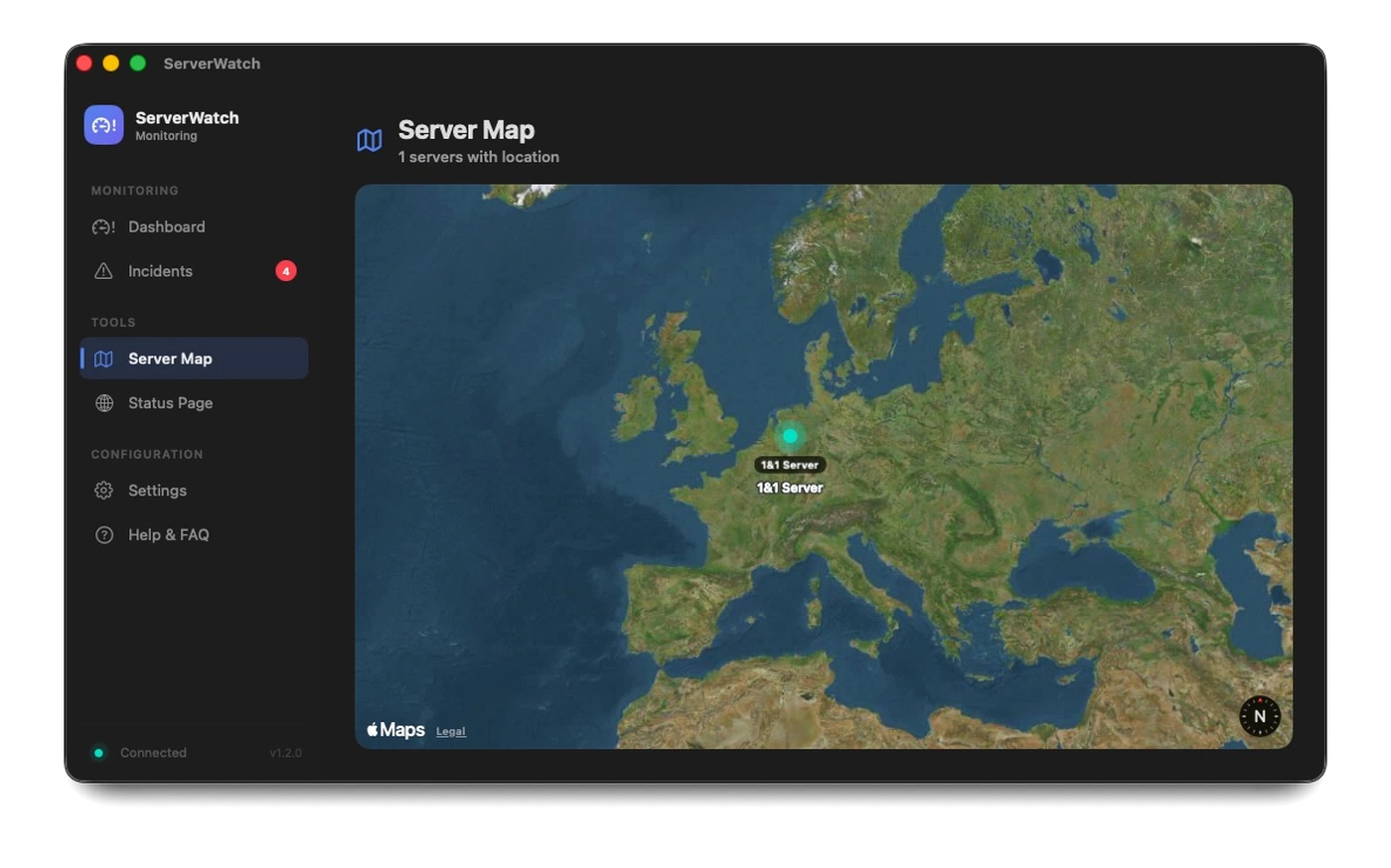
Server World Map

Interactive MapKit world map with color-coded pins and 80+ preset locations.

Server World Map

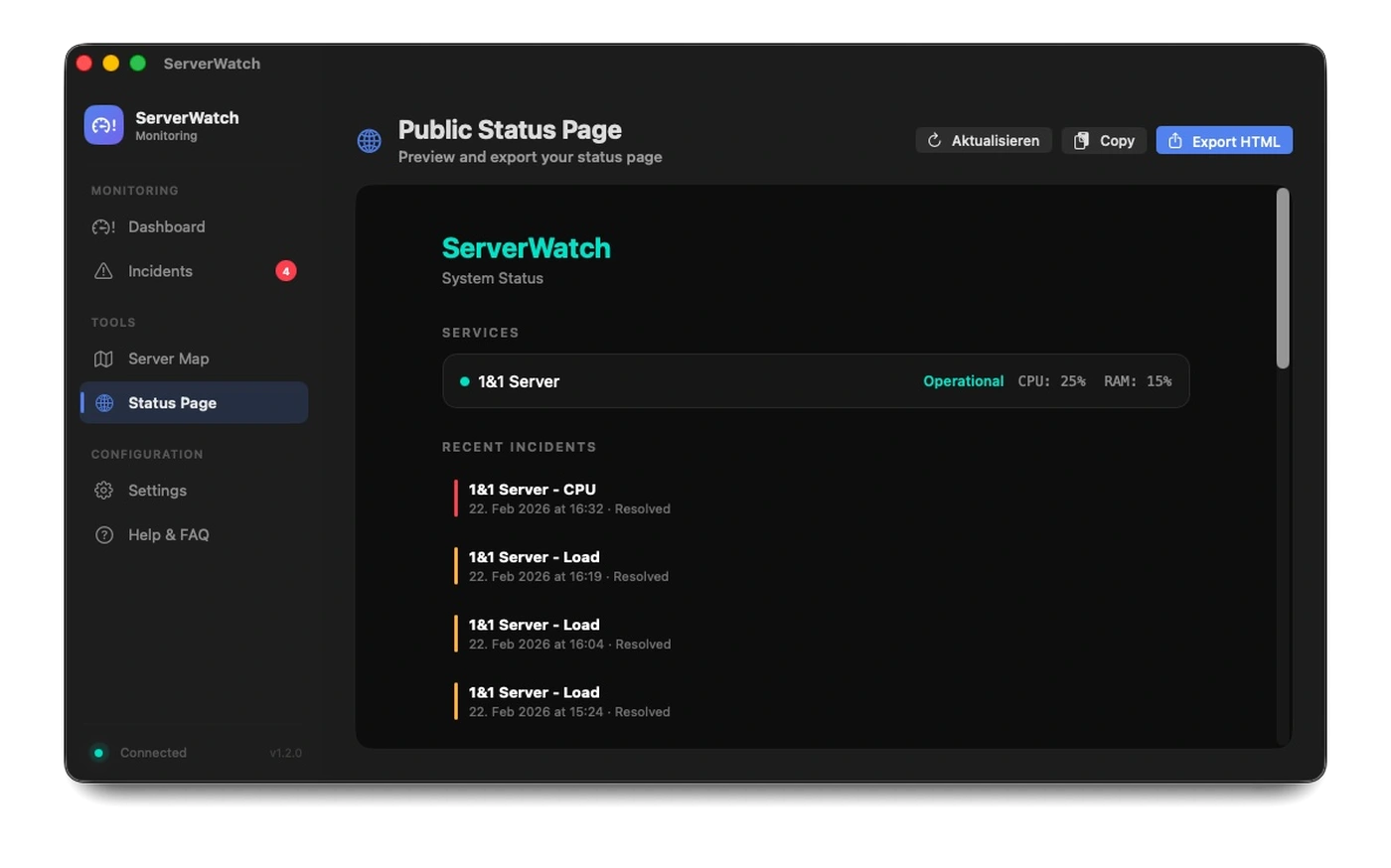
Status Page

Generate a professional status page for your customers — export as HTML with one click.

Status Page

Widgets

Desktop, home screen and lock screen widgets for macOS and iOS — automatically updated.

Siri & Shortcuts

Ask Siri about your server status or build automations with the Shortcuts app.

One App. Two Platforms.

Native SwiftUI app for macOS and iOS — from a single codebase.

macOS
ServerWatch macOS Dashboard
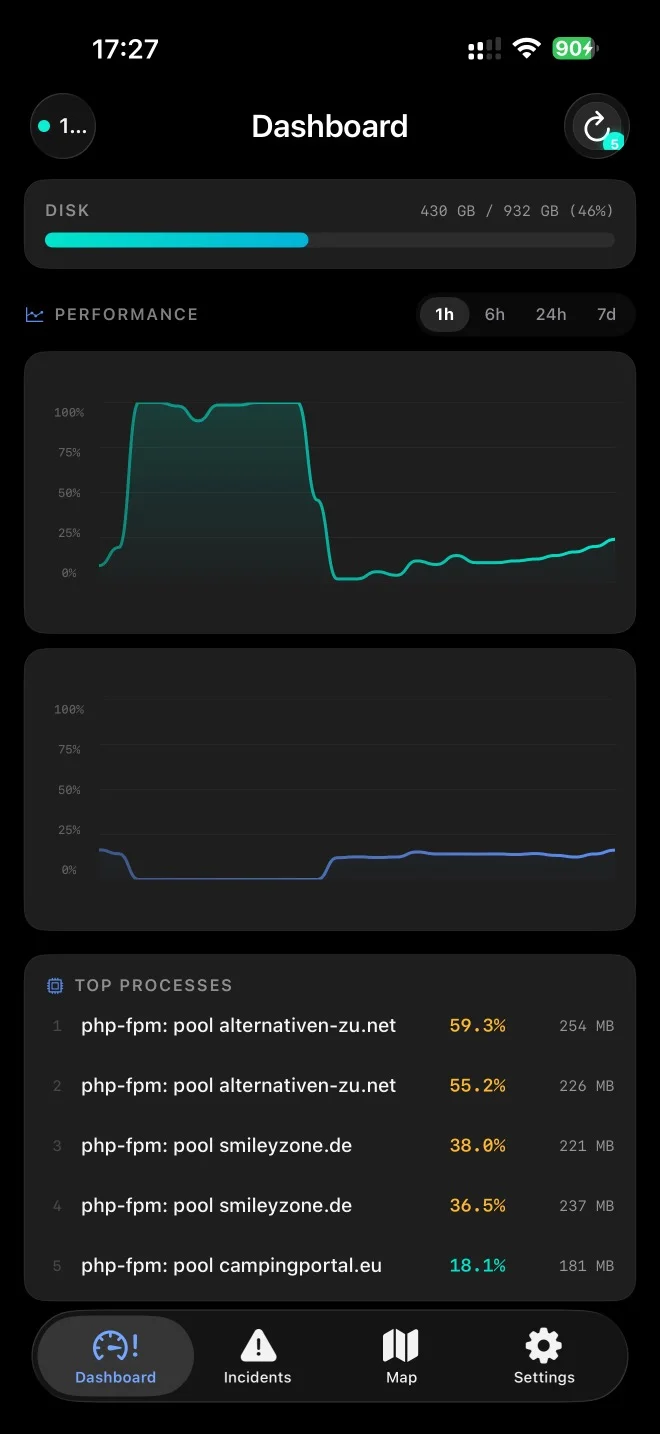
iOS
ServerWatch iOS Dashboard

Ready in 3 minutes.

No agent, no daemon, no root. One PHP file — done.

1

Upload PHP file

Upload server-monitor-api.php to your web server.

2

Set API key

Open the file and set your personal API key.

3

Configure app

Enter the server URL and API key in ServerWatch.

4

Done!

Your dashboard automatically loads the first metrics.

server-monitor-api.php
<?php
$API_KEY = 'your-secret-key-here';
$ENABLE_PROCESSES = true;

// That's it. Upload this file to your server.
// ServerWatch reads metrics from /proc/ automatically.

Free vs. Pro

The free version covers everything you need for one server.

Feature Free Pro Coming Soon
Number of Servers 1 Server Unlimited
Polling Interval from 5 min. from 5 sec.
Dashboard & Metrics
Interactive Charts Extended
Top Processes
Menu Bar (macOS)
Push Notifications
Sound & Speech Alerts
Incident Timeline + Export
Server World Map
Status Page
Widgets
Siri & Shortcuts
SSH Quick Connect
FAQ & Help
Docker Monitoring
Smart Trend Alerts
Webhooks
Ads Yes (iOS) None

Built with the latest Apple technologies.

Secure, fast and privacy-friendly.

Native SwiftUI App

No Electron app, no web view.

Multiplatform

One codebase for macOS 14+ and iOS 17+.

Keychain Storage

API keys stored securely in the system keychain — never in plain text.

Lightweight PHP Script

One file on the server, no database required.

No Root Required

Reads metrics directly from /proc/ — no agent needed.

Works Offline

Last known metrics stored locally in SQLite.

Incident Timeline
Server World Map
Status Page
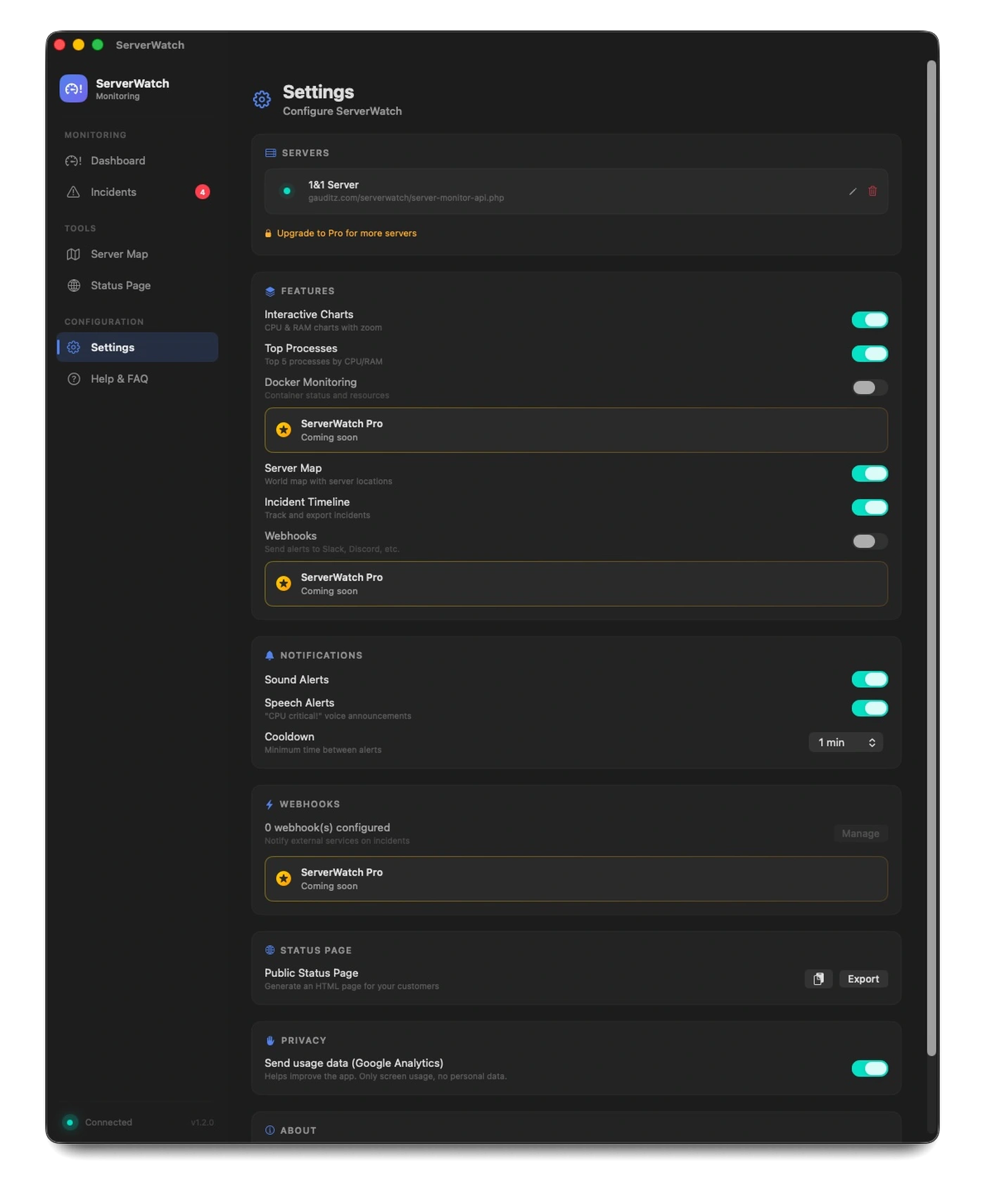
Configure app
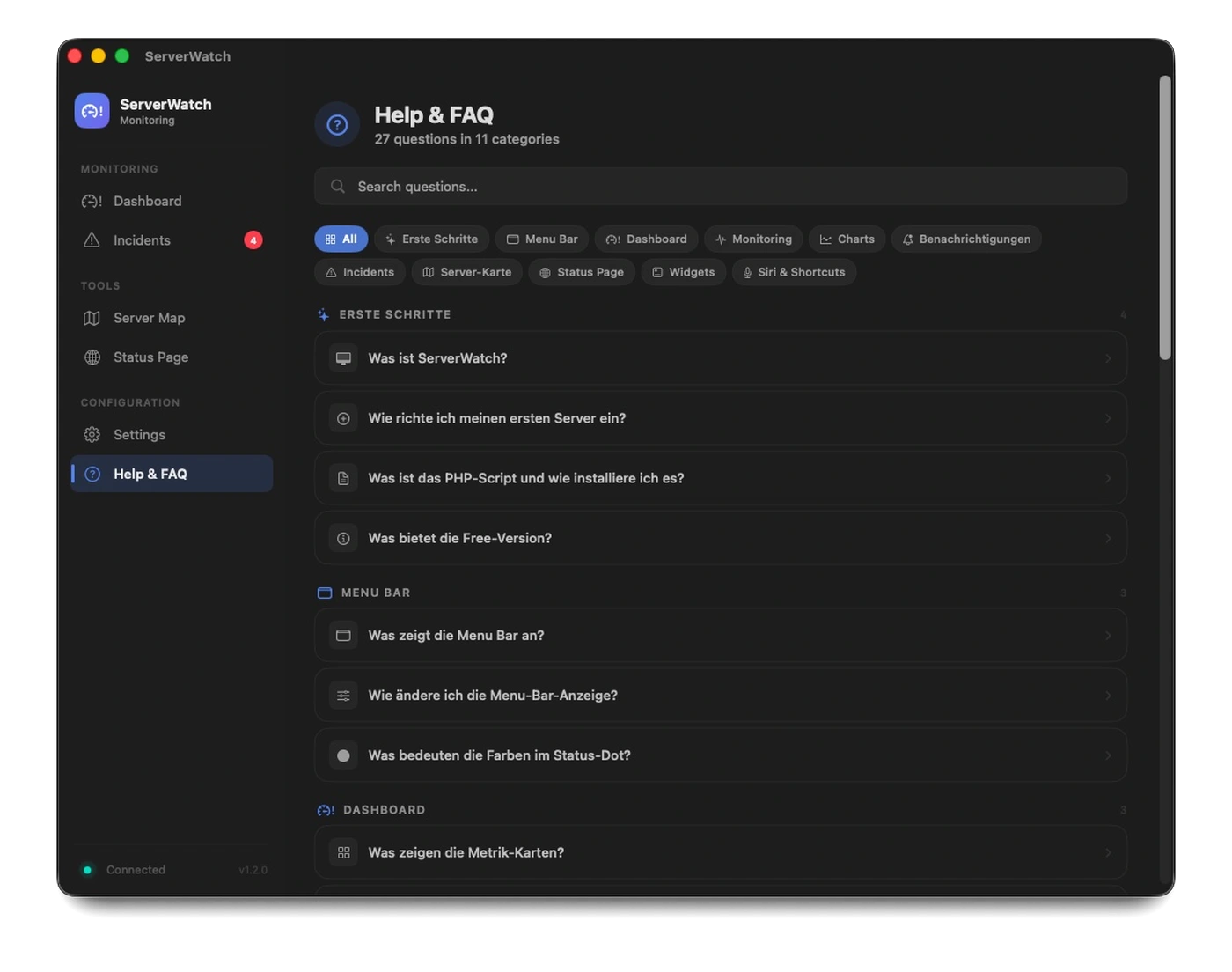
Help & FAQ

Incident Timeline

Automatic detection and documentation of incidents — with filtering and auto-resolve.

Server World Map

Interactive MapKit world map with color-coded pins and 80+ preset locations.

Status Page

Generate a professional status page for your customers — export as HTML with one click.

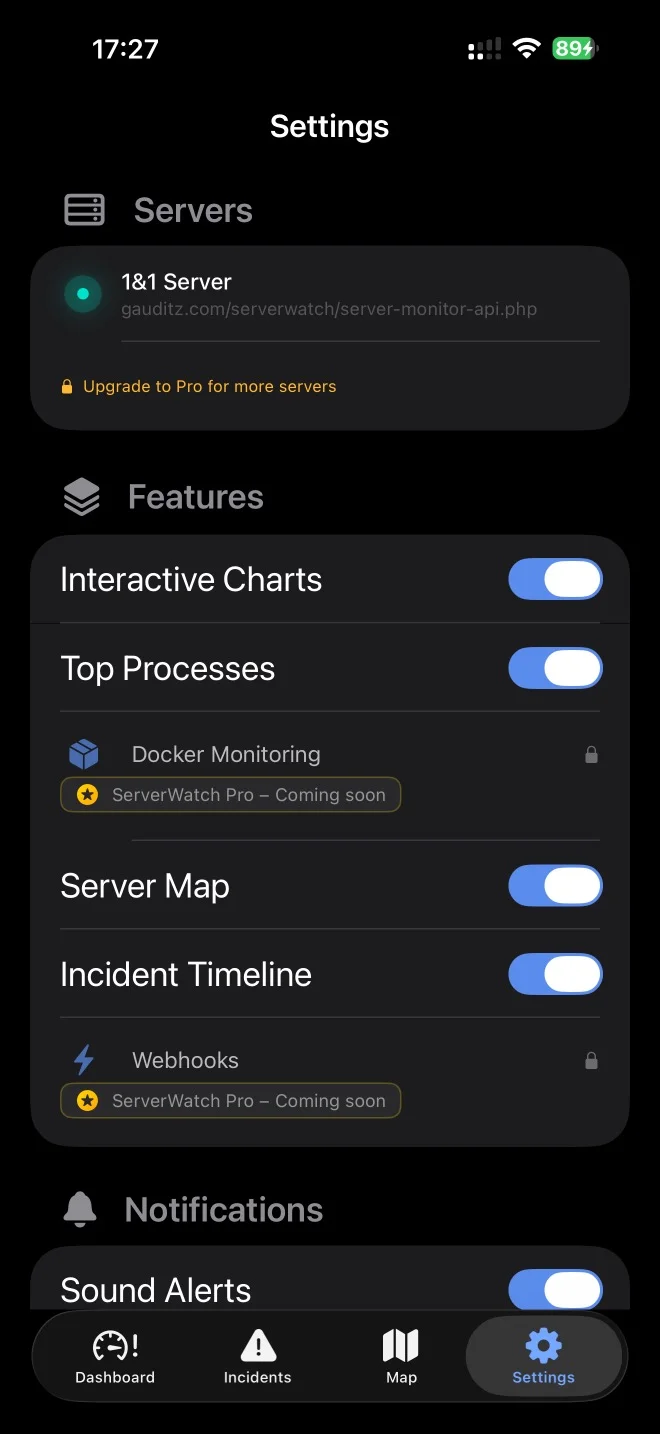
Configure app

All settings in one clear place.

Help & FAQ

37 FAQ entries in 14 categories.

Ready to keep your server in sight?

Download Free Coming Soon

v1.2.0 · macOS 14+ · iOS 17+